We all tend to forget our Passwords at one stage right? Don’t worry we have you covered.
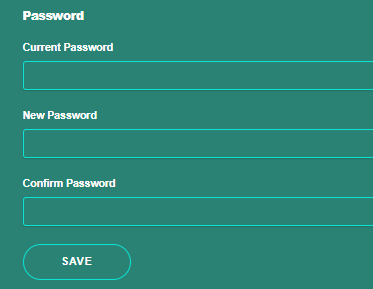
If you wish to change your current password, log in to your dashboard and click on the “Settings” tab. From there, you will be prompted to enter your current password as well as your new password. Confirm the new password and click “Save.” Your password will now be updated.
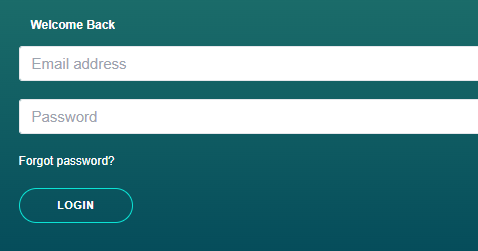
If you’ve forgotten your password, navigate to the login screen and click on the “Forgot Password” option. A new screen will appear where you’ll be prompted to enter your email address. After submitting your email, you’ll receive an email containing a “Reset Password” link. Click on this link, enter a new password, confirm it, and then click “Submit.” You will now be able to log in to your account using your new password.