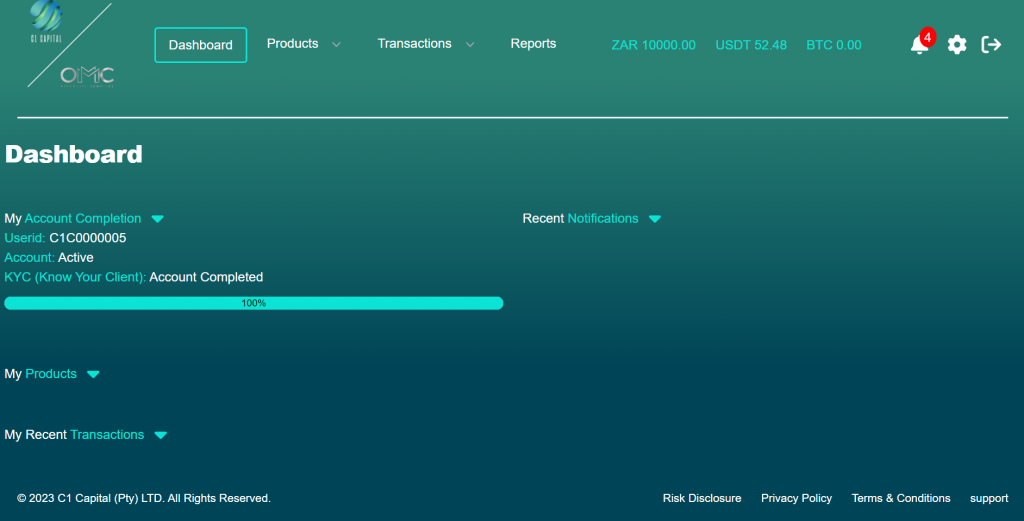
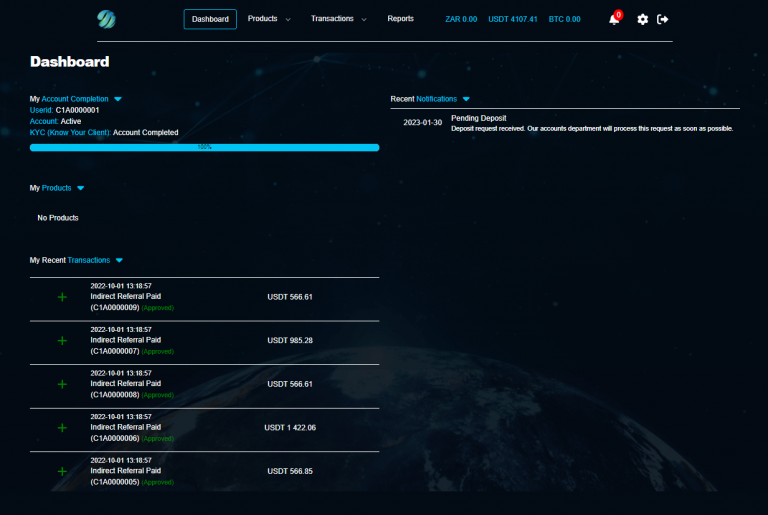
Once you’ve completed the registration process, you will be instantly directed to our captivating dashboard page. Experience the convenience of accessing essential insights effortlessly in one place. Explore a variety of useful information, including:
Header
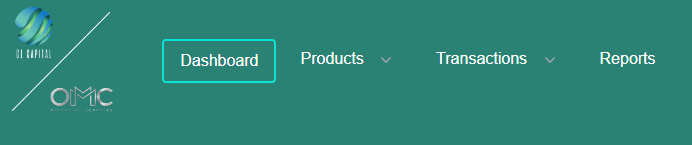
Our user-friendly header tabs situated at the top left-hand side will seamlessly navigate through a range of powerful options designed to elevate your experience.
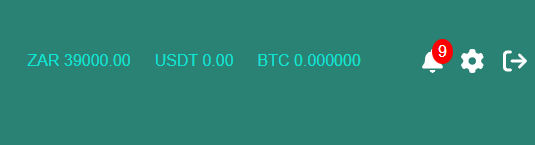
Unlock financial clarity and personalized control at the top left-hand side. Monitor your ZAR, USDT, and BTC balances, receive timely notifications, access settings, and effortlessly log out.
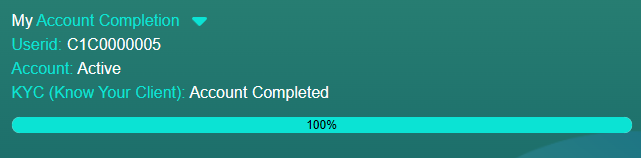
Account Information
This includes; User ID, Account status (Active/Inactive), KYC Status (Requires KYC, Pending Admin Approval or Account completed)
Recent Notifications
This displays recent activity on account (includes Registered, KYC, deposits, exchanges, purchase of products, withdrawals etc.)
Products
This includes all products purchased. (For Example: Transaction Accumulation Fund – TAF)
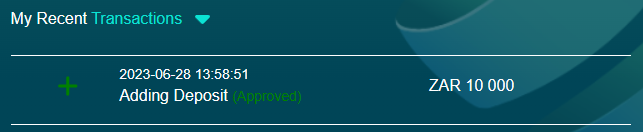
Recent Transactions
This will show any recent transaction that occurred on the account. (For Example Deposit, Product Purchased, Withdrawal etc.)
Dashboard
After you have been registered, you will be brought to the dashboard page. You will be provided with useful information at a glance such as:
Account Information: This includes; User ID, Account status (Active/Inactive), KYC
Recent Notifications: ccccc
Products: This includes all products purchased.
Recent Transactions: This will show any recent transaction that occurred on the account.
More Info
Find important resources and assistance at your fingertips. Located at the bottom right-hand side of the Dashboard, you’ll discover links to essential documents such as risk disclosure, privacy policy, and terms and conditions. Need help or have questions? Simply click on the support/chat button for assistance.