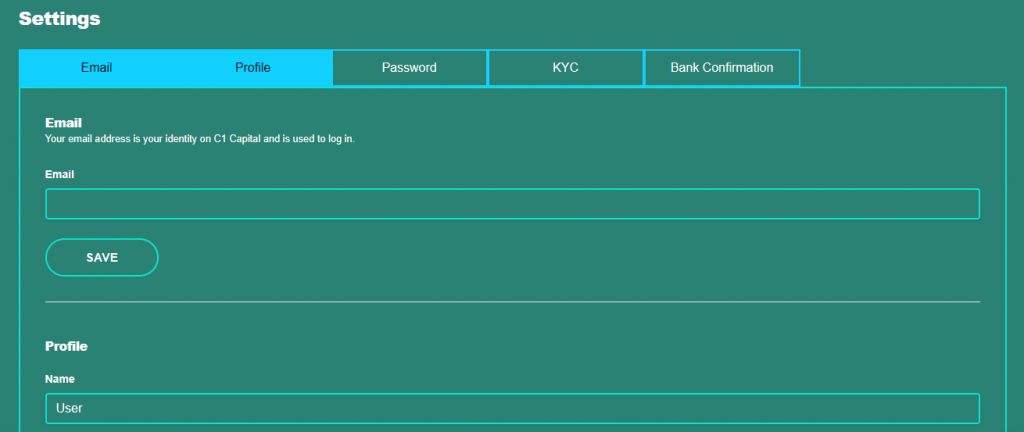
The settings icon on the dashboard will allow you to make certain changes to your profile. Click on the icon and the current settings will display.
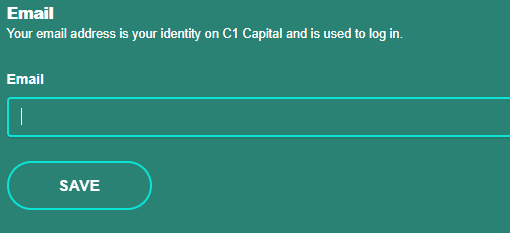
In the event of your email address changing, you may update the email address and click on “save” You will receive an OTP via the option you have chosen to verify that this is the account holder. Insert the OTP and click on “save” and the details will be updated.
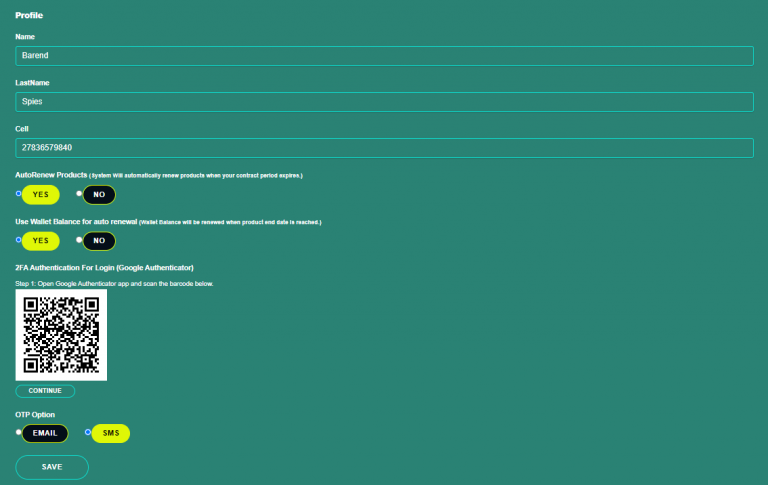
On the Profile section you will not be able to edit the user or company name or cell number, any queries in this regard should be emailed to info@c1wealth.co.za. You may select the OTP option to receive it via SMS, the default setting is EMAIL. The renewal of product option can be selected to auto renew “yes” or “no”. Click in the appropriate box. You will also be able to opt for your wallet balance to be added to the product amount when the product reaches it end start or select not to. Click on “yes” or “no” in the appropriate box. Click on “save” and the changes will be updated.
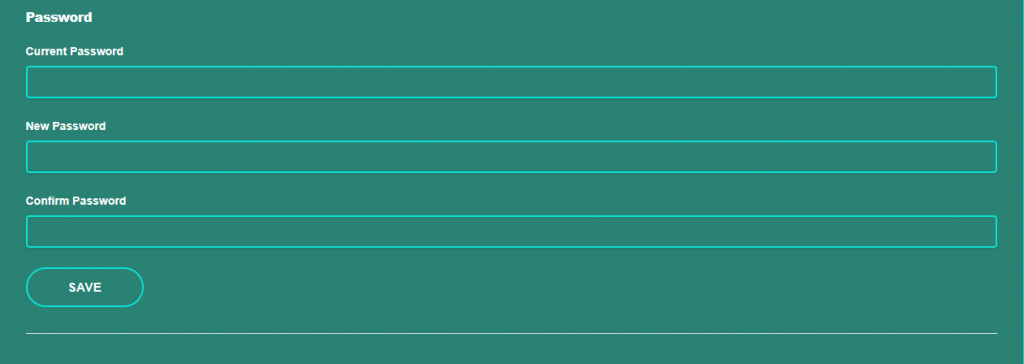
You will be able to update your password on the settings page by entering the current password and selecting a new password, click on “save” and the password will be updated.
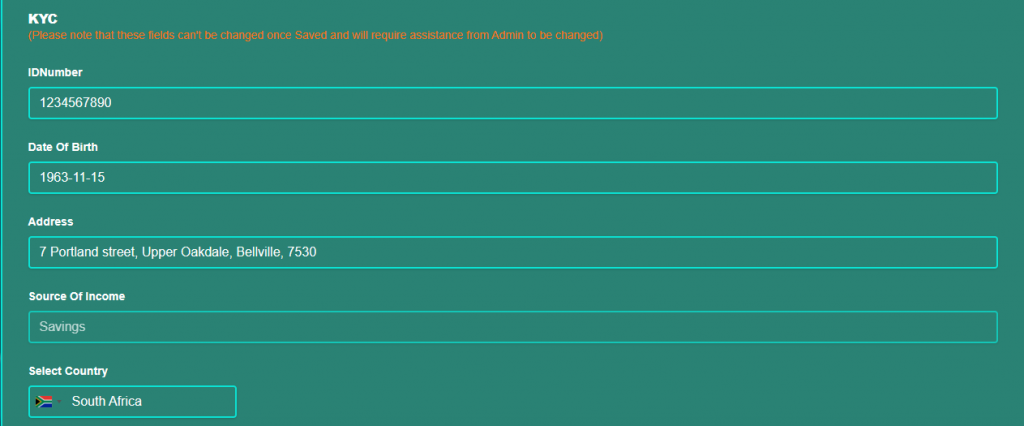
Once KYC has been submitted the fields cannot be edited. You will require assistance from the Admin Team by sending an email to info@c1capital.co.za