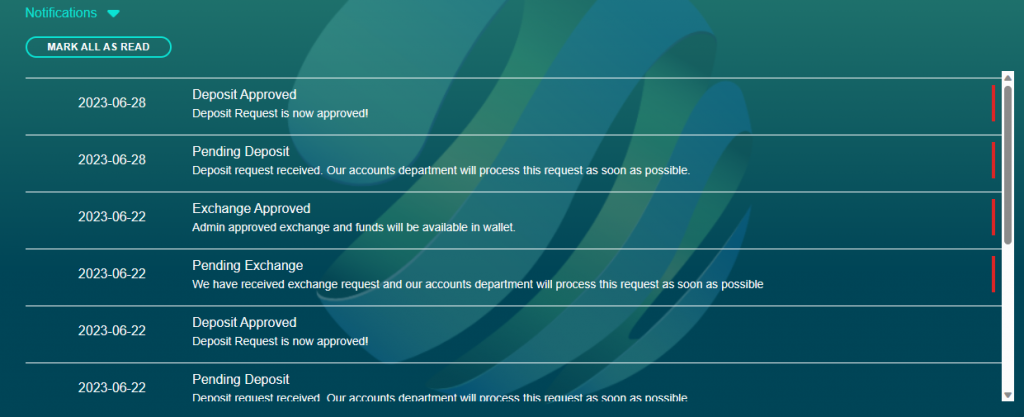
On the dashboard there is a notification icon (bell) which indicates in red the number of notifications received. Click on the icon and the notifications will be listed. If you click on a notification the red indicator on the right side of the notification will disappear and if the “mark all as read” tab is clicked the notification quantity in the icon (bell) will return to “0”